
Mobile guide · iOS & Android
Big Bass Bonanza 1000 App
There is no standalone Big Bass Bonanza 1000 app in the App Store, and there never will be — Pragmatic Play ships the game as HTML5, so it lives inside the casino, not beside it. What you can have is something better: the casino itself pinned to your home screen, opening straight into the lobby with the slot two taps away. This page shows you exactly how, on both platforms.
- No download, no storage cost — the slot runs in the browser
- Home-screen shortcut in under a minute on iPhone and Android
- Identical 96.51% maths, identical 1,000x Money Symbols
- UKGC licensed casinos
- 18+ only
- SSL secured
- Responsible gaming



Big Bass Bonanza 1000
Added to Home Screen
Straight answer
Is there an official Big Bass Bonanza 1000 app?
No — and it is worth understanding why, because the same answer applies to every Pragmatic Play slot you will ever look for. Game studios do not publish individual slots as apps. They build them in HTML5 and license them to operators, and the operator is the one with an app-store presence. Searching “Big Bass Bonanza 1000” on the App Store returns nothing official, and anything that does come back is either an unlicensed social-casino clone or something worse.
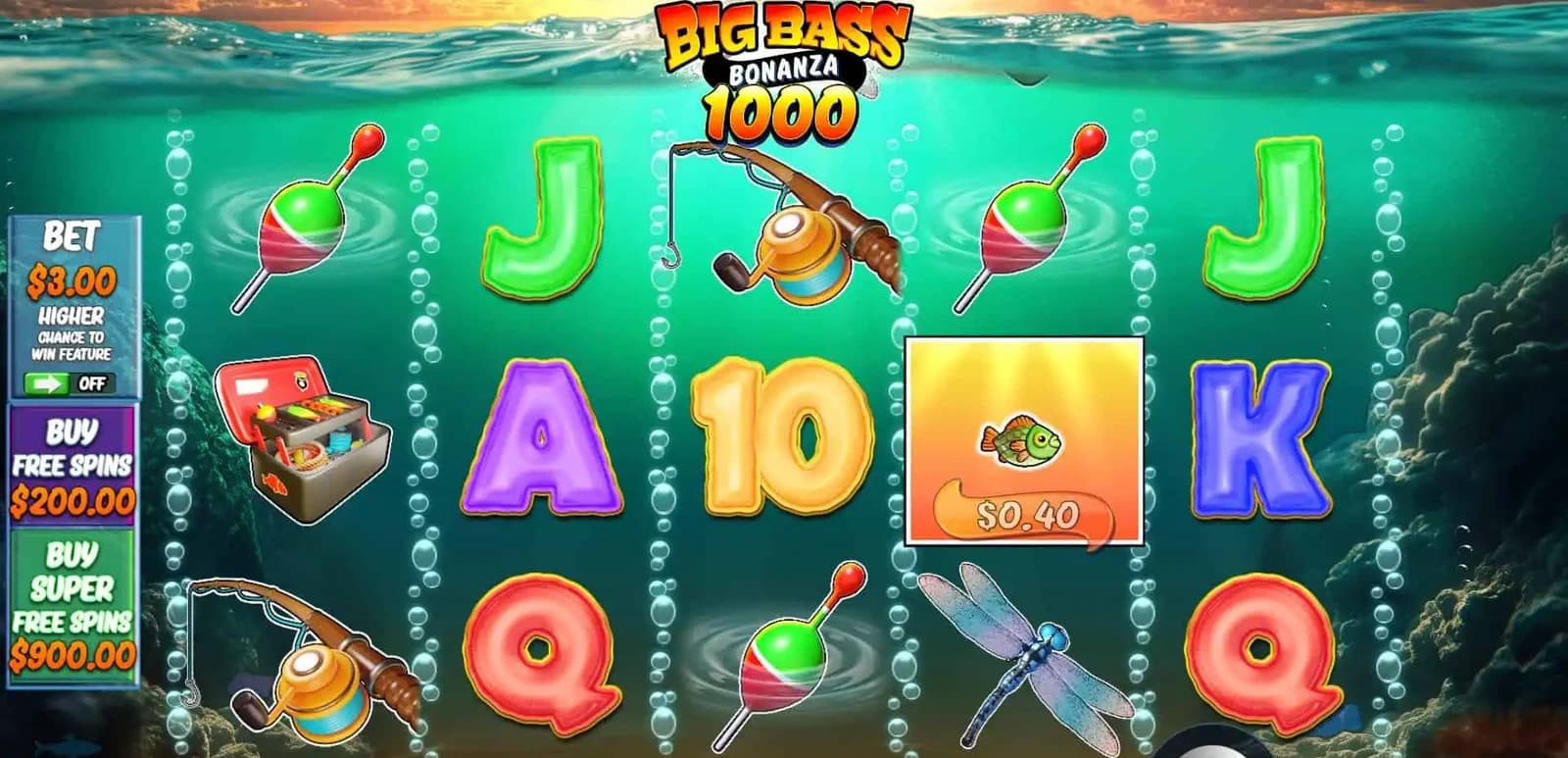
What you are actually looking for is a way to reach the slot in one tap. There are three routes to that, and all three deliver the same game: the same 96.51% RTP, the same 10 paylines, the same Money Symbols running to 1,000x and the same multiplier ladder ending on 10x. Nothing is trimmed for mobile.
Never install a casino APK from a link, a forum or a search ad. If a brand publishes an Android app, the download lives on the casino’s own site behind your logged-in account — nowhere else.

Mobile browser
Fastest to start
Open the casino in Safari or Chrome, log in, search the lobby. Nothing to install and nothing to update. This is how most UK players actually play the slot.
Home-screen shortcut
Under a minute
Save the casino to your home screen and it launches full-screen with no browser chrome, its own icon and a saved session. Practically indistinguishable from a native app.
Native casino app
Where offered
Some brands publish a real app on the App Store and Google Play. Of our three, SPINBOSS is the one that does. The slot inside behaves identically.


Pick a casino first
Three UK casinos worth putting on your home screen
You install the casino, not the slot. That makes the choice of brand the only decision that matters here — everything after it is the same game.
- 1
 98/100
Fastest Payouts
Instant-play lobby loads Bonanza 1000 in under three seconds on 4G.
- Biggest welcome bonus
- Immediate payouts
- 100% secure
- 2
 92/100
VIP Loyalty Programme
Largest mobile slot library — the whole Big Bass series sits in one collection.
- 4000+ casino games
- VIP Loyalty Program
- 100% secure
- 3
 88/100
24/7 Customer Support
The only one of the three with a native app on both the App Store and Google Play.
- Mobile app available
- 24/7 Customer Support
- 100% secure


iPhone & iPad
How to install it on iOS
Six taps, no App Store, no storage taken. The shortcut opens full-screen with no address bar, which is the only visible difference from a native app.
- 1
Open the casino in Safari
Tap Play Now on one of the three brands above. It has to be Safari — Chrome on iOS cannot add a site to the home screen.
- 2
Sign in or register
Do this before you save the shortcut. The session is stored with it, so the app opens straight into your logged-in lobby afterwards.
- 3
Tap the Share button
The square with the upward arrow, at the bottom of the screen on iPhone and top-right on iPad.
- 4
Choose “Add to Home Screen”
Scroll the share sheet past the sharing options. If you do not see it, tap Edit Actions and switch it on.
- 5
Name it and confirm
Shorten the name to something you will recognise — “Big Bass” works. Tap Add in the top-right corner.
- 6
Launch and find the slot
Open the new icon, tap the lobby search and type “Big Bass Bonanza 1000”. Confirm it is the 1000 edition before you stake.
Android
How to install it on Android
Chrome turns any casino that supports it into an installed app with its own entry in the app drawer. If your brand publishes a native app instead, the download link sits inside your account area.
- 1
Open the casino in Chrome
Tap Play Now on your chosen brand. Firefox, Samsung Internet and Edge all support this too — the menu wording just differs slightly.
- 2
Log in first
Same reason as on iOS: the saved shortcut carries the session, so you skip the login screen every time afterwards.
- 3
Open the browser menu
The three vertical dots in the top-right corner of Chrome.
- 4
Tap “Install app” or “Add to Home screen”
Chrome shows whichever the casino supports. Install app gives you a proper standalone window; Add to Home screen gives you the icon.
- 5
Confirm the install
A dialog appears with the casino name and icon. Tap Install, then Install again if Android asks a second time.
- 6
Open it and search the lobby
Type “Big Bass Bonanza 1000”, launch the game, and check the info panel reads 96.51% before your first spin.
Which route
Home-screen shortcut, browser or native app?
All three run the identical game. The differences are entirely about how you get to it and how it feels once you are there.
| Home-screen shortcutRecommended | Mobile browser | Native casino app | |
|---|---|---|---|
| Setup time | Under a minute | None | 2–3 minutes |
| Storage used | Effectively none | None | 40–120 MB |
| Launches from | Home screen icon | Browser tab | App drawer |
| Stays logged in | Yes | Usually | Yes, with Face ID or fingerprint |
| Full-screen play | Yes | No — address bar stays | Yes |
| Push notifications | No | No | Yes |
| Updates | Automatic | Automatic | Via the store |
| Available at | All three casinos | All three casinos | SPINBOSS |
Our take
Unless you specifically want push notifications about promotions, the home-screen shortcut wins. It costs you nothing in storage, takes a minute, never needs updating and looks and behaves like the native app in every way that matters when you are actually spinning the reels.
On the device
What mobile play actually feels like
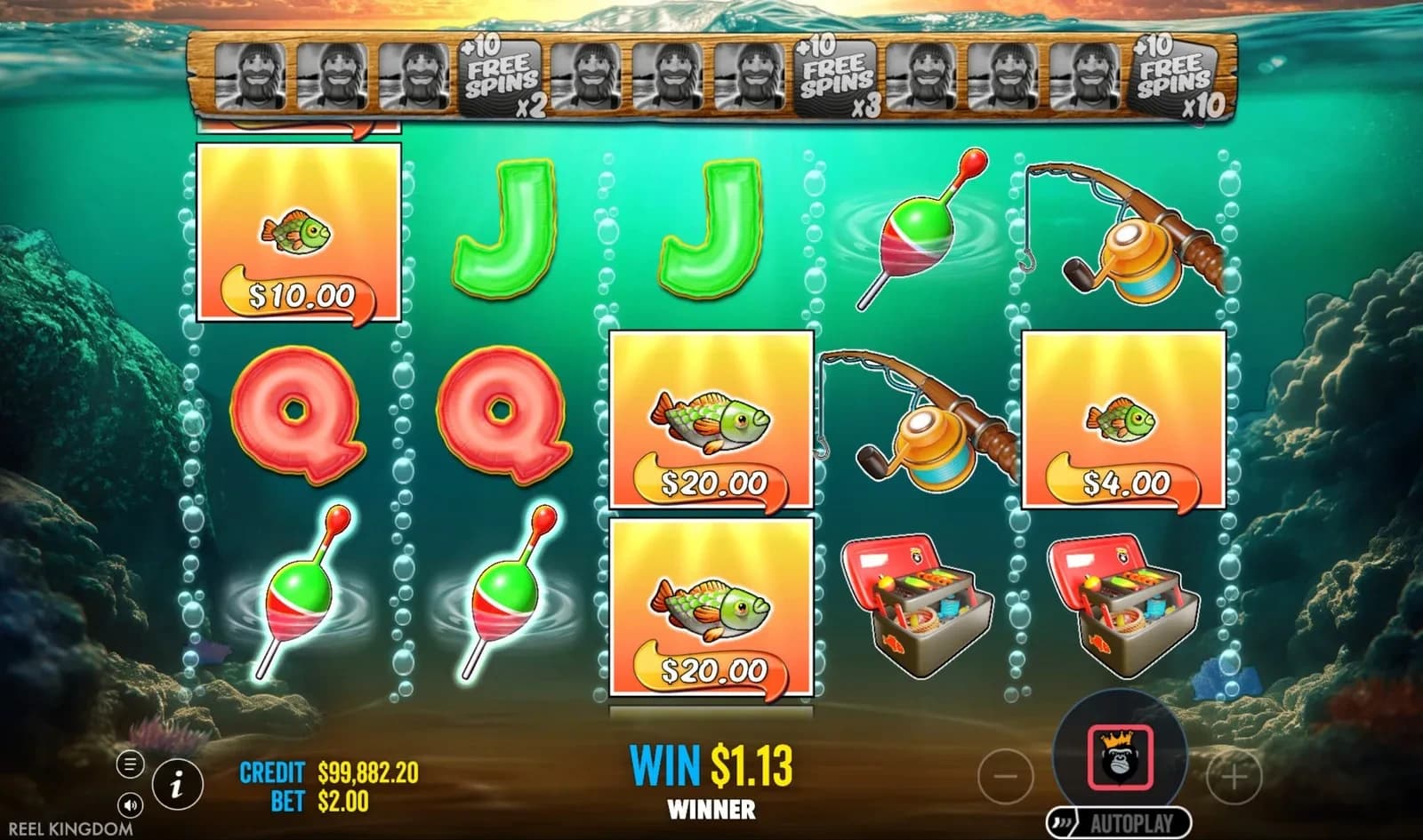
Held in portrait, the 5×3 grid takes the middle of the screen with the sunset above the waterline and the balance, stake and spin button below it. Nothing is cropped and nothing is hidden behind a menu — the layout was designed for a phone first and then given room to breathe on desktop, not the other way round.
The two controls worth finding immediately are the burger menu at the bottom left, which holds the paytable and the RTP figure, and turbo spin. Holding the spin button skips the reel animation, which matters more than it sounds on a slot where you may be grinding two hundred spins to reach a bonus.
The one thing to watch is the Free Spins round with six or seven Money Symbols on screen at once. Older handsets can drop a few frames while the fisherman swims his collection route. It is cosmetic — the win is already calculated — but if it bothers you, turning off the ambient sound usually clears it up.
- OrientationPortrait and landscapePortrait is the default; the reels reflow rather than shrink.
- iOSiOS 14 and newerAnything from an iPhone 8 onwards handles it comfortably.
- AndroidAndroid 8 and newerChrome 90+ for the install prompt to appear.
- Data per session≈ 15–25 MBMost of that is the initial asset load; spins themselves are tiny.
- Connection3 Mbps is plentyThe game buffers assets up front, so a brief signal drop mid-spin is harmless.
- BatteryComparable to videoTurbo spin and sound off both help on a long session.
If something goes wrong
Eight problems and how to fix them
Everything below comes up regularly with HTML5 casino games on mobile. None of it requires contacting support first.
The game will not load past the splash screen
Almost always a stale cached asset. Force-close the app or tab, reopen it, and if it persists clear the site data for that casino only. A VPN left running is the second most common cause — UK licensed sites block them.
“Add to Home Screen” is missing from the share sheet
You are in Chrome on iOS, which cannot do it. Open the same page in Safari. On iPad, the share button sits top-right rather than bottom-centre.
The shortcut opens but I am logged out
You saved it before signing in. Delete the icon, log in first, then add it again — the session travels with the shortcut.
Reels stutter during Free Spins
Close background apps and turn the in-game sound off. The animation is decorative; the outcome is already decided and your balance is unaffected either way.
The RTP in the info panel reads 94.51%
That casino runs a lower build. Nothing you can change from your side — the only fix is playing at an operator that serves the 96.51% version.
The Buy Free Spins buttons vanished
Working as intended. You saw them in the demo, which is served without a jurisdiction. Logged in at a UK casino, feature buys are removed by Gambling Commission rules.
The screen keeps rotating mid-spin
Lock the orientation in your phone’s control centre. The game handles rotation fine but the reload on switch is jarring in the middle of a bonus round.
A deposit went through but the bonus did not
The welcome offer has to be selected before the deposit is confirmed — it cannot be attached afterwards. Contact the casino’s live chat straight away; most will fix it manually if you are quick.
Mobile FAQ
Questions about playing on your phone
Is there a Big Bass Bonanza 1000 app on the App Store?

No. Pragmatic Play does not publish individual slots as apps — the game is HTML5 and lives inside licensed casinos. Anything you find under that name in an app store is unofficial. Install the casino instead, or save it to your home screen.
Does the mobile version pay the same?
Exactly the same. 96.51% RTP, 10 fixed paylines, Money Symbols to 1,000x, the same 1x → 10x ladder. There is one build of the game and every device gets it.
Do I need to download anything?
No. The browser route needs nothing at all, and a home-screen shortcut is a bookmark with an icon — it takes no meaningful storage. Only a native casino app is a real download, and only some brands offer one.
How much data does a session use?
Roughly 15–25 MB, most of it loaded once when the game opens. Spins themselves send very little, so a long session costs far less than the first minute suggests.
Can I play in landscape?
Yes, and the reels get wider. Portrait is the default and is what the layout was designed around, but both work fully. Lock the orientation in your phone settings if you keep triggering a rotation reload mid-bonus.
Will the Ante Bet work on mobile?
Yes — the switch sits on the left rail next to your stake. Bonus Buy will not appear, but that is a UK licensing rule rather than a mobile limitation.
Is playing through a shortcut safe?
As safe as the browser, because it is the browser. The connection is the same TLS-encrypted session to the same UKGC-licensed operator. The only genuine risk on mobile is sideloading an APK from somewhere that is not the casino itself.
Can I use responsible-gambling tools on mobile?
All of them. Deposit limits, loss limits, reality checks, time-outs and self-exclusion all sit in your account settings and work identically on a phone. GAMSTOP covers every UK-licensed operator at once, whichever device you use.
One minute to set up. Then it is always one tap away.
Choose your casino